A private LoRaWAN network allows sensors to be connected to a radio infrastructure operated directly by the company. Unlike a public LoRaWAN network, the gateways and network server are deployed to meet the site's specific needs.
This architecture is particularly well-suited for commercial buildings, industrial sites, and real estate complexes that wish to centralize their data in a BMS without requiring a carrier subscription for each sensor.
However, its implementation requires properly sizing the radio coverage, securing the equipment, and providing for data decoding.
What is a private LoRaWAN network?
In a private LoRaWAN network, sensors communicate with one or more gateways installed on-site. These gateways forward messages to a LoRa Network Server (LNS), which manages the network and the connected devices.
The architecture generally follows this path:
LoRaWAN Sensors → Gateway → LNS → Data Decoding → BMS or app
Each component has a specific role:
- The sensors measure and transmit data
- The gateway receives the radio frames
- The LNS manages equipment, sessions, and communications
- The codec converts raw frames into usable values
- BMS displays, logs, and uses data
The LNS can be hosted on a remote server or integrated directly into the gateway. Enless's private LoRaWAN solution is based on the latter approach.
Why choose a private LoRaWAN network?
A private network allows you to control the infrastructure and adapt it to the building's constraints.
Its main advantages are:
- A cover sized to fit the site
- The absence of a carrier subscription per sensor
- An architecture capable of operating locally
- Direct integration with the BMS
- The ability to use sensors from different brands
- Autonomous management of equipment and data
This autonomy also involves managing gateways, security keys, the LNS, updates, and network monitoring.
For a network of widely dispersed sites, a public LoRaWAN network may therefore be more suitable. For a building or campus with a large number of sensors, a private network generally offers greater control.
1. Define the project requirements
The first step is to identify the data to be collected and where it will be sent.
In a BMS application, a private LoRaWAN network can be used to report:
- Temperature and Humidity
- CO₂ concentration
- Water, gas, or electricity usage
- Equipment Operating Status
- Doors and Windows
- Technical Alarms
- Data from Modbus devices
Next, you must specify the number of sensors, their transmission frequency, any downlink control requirements, and the protocol expected by the BMS.
A measurement sent every fifteen minutes does not create the same constraints as an alarm that must be escalated immediately.
2. Study LoRaWAN radio coverage
LoRaWAN range depends heavily on the environment. A theoretical line-of-sight distance does not guarantee coverage inside a building.
The main factors to be examined are:
- The number of floors
- The thickness of walls and floors
- The presence of reinforced concrete
- Metal Structures
- Underground utility rooms
- The Location of Electrical Panels
- Antenna Location and Type
- Radio interference from the surrounding area
Ideally, the gateway should be installed high up in a central, unobstructed area. If it is located inside a metal cabinet, the antenna must be mounted outside the cabinet.
Radio tests must be conducted from the most challenging locations. The RSSI and SNR are used to assess the quality of the links and ensure there is sufficient margin to account for future variations.
In a large building, on a campus, or at a critical site, multiple gateways may be needed to improve coverage or provide redundancy.
3. Select the gateways and the LNS
The gateway should not be confused with the LNS. It receives radio messages, while the network server handles, among other things:
- Sensor Authentication
- Activation Procedures
- Removing Duplicate Frames
- ADR, or Radio Data Rate Adaptation
- Downstream messages
- Tracking LoRaWAN Sessions
An embedded LNS simplifies the local architecture by combining radio reception and network management into a single device.
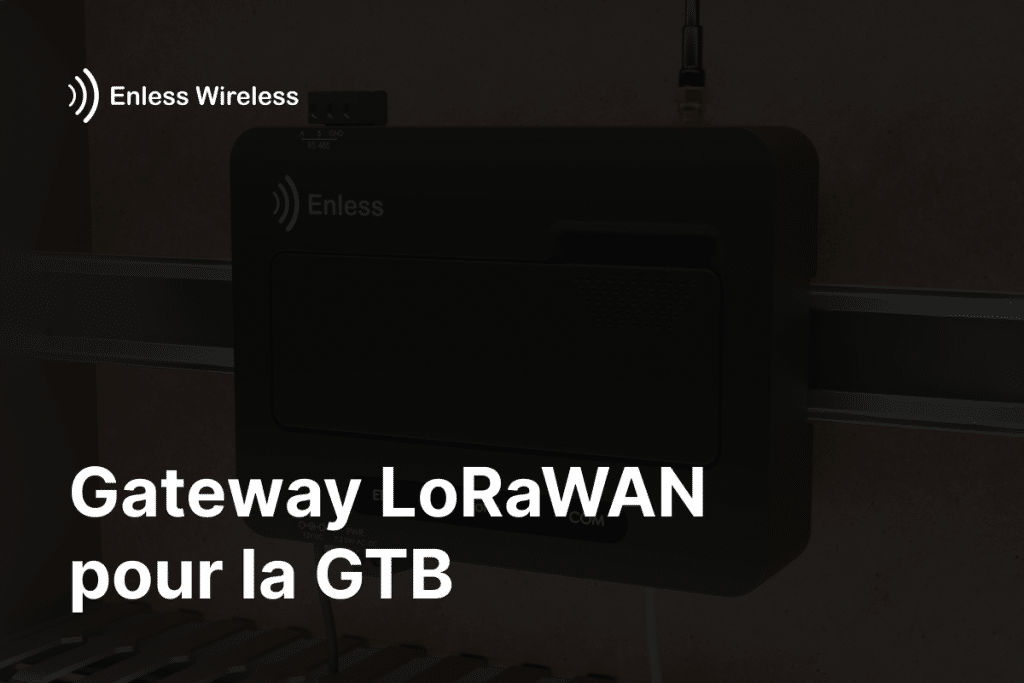
The Enless RX LORAWAN 500-602 LoRaWAN gateway includes its own LNS and can manage up to 500 LoRaWAN sensors. It operates on the EU868 frequency band and supports both Enless sensors and LoRaWAN devices from other manufacturers.
4. Secure the private LoRaWAN network
LoRaWAN incorporates authentication mechanisms and AES-128 encryption. However, their effectiveness depends on how the network is configured and operated. In particular, the LoRa Alliance recommends protecting keys and avoiding their reuse across multiple devices.
Best practices include:
- Prioritize OTAA activation
- Use unique keys for each sensor
- Store AppKeys and other credentials in a secure location
- Restrict Access to the Configuration Interface
- Isolate the gateway on a suitable network
- Save the configuration
- Keep firmware up to date
- Turn off equipment that is no longer in use
Access to the LNS, the gateway, and the BMS must also be incorporated into the building’s cybersecurity policy.
5. Register and activate the sensors
To join the network, each sensor must be registered with its LoRaWAN credentials. For OTAA activation, these are typically:
- DevEUI
- JoinEUI or AppEUI
- AppKey
The radio band and frequency plan must also be compatible with the network being used. In France and most European countries, the equipment operates on the EU868 band.
After activation, you should check the following:
- The Success of the Join
- Receipt of the first uplinks
- The RSSI Level
- The SNR level
- The transmission frequency
- Consistency of the Data Received
The Enless GitBook documentation details the activation procedures and related diagnostics. For example, an orange LED may indicate a successful activation with a low RSSI level, while a red LED may indicate a problem with the keys or coverage.
6. Decode and integrate the data into the BMS
LoRaWAN compatibility ensures that a sensor can communicate with a compatible gateway. It does not guarantee that the gateway can automatically interpret the content of the sensor’s messages.
Each manufacturer defines the format of the payload transmitted by its sensors. A codec is therefore needed to convert the raw frame into data such as a temperature, a meter reading, or a contact status.
The Enless gateway natively decodes Enless LoRaWAN sensors. For third-party sensors, it is possible to add codecs and map the obtained values.
The data can then be prepared for transmission to the BMS via Modbus or BACnet, depending on the firmware and architecture deployed. The LoRaWAN gateway technical guide provides details on configuration, installation, and available interfaces.
7. Test and document the installation
Before being put into service, the network must be validated under actual operating conditions.
The audit must cover:
- Receiving all sensors
- The Most Challenging Radio Zones
- The Correct Reporting of Values
- Handling Communication Outages
- Missing Data Alerts
- Restarting the gateway
- Discussions with the BMS
- Any top-down directives
It is also recommended to keep a layout diagram, a list of sensors, their identifiers, their locations, the codecs used, and a backup of the configuration.
Mistakes to Avoid
Several issues can compromise the security of a private LoRaWAN network:
- Install the gateway in a metal cabinet without a remote antenna
- Design the roof based solely on a theoretical span
- Confusing LoRaWAN compatibility with native sensor decoding
- Using the Same Keys on Multiple Devices
- Neglecting the frequency of messages
- Deploy all sensors before testing the difficult areas
- Failing to monitor communication failures
- Do not plan for final integration into the BMS
In summary
Setting up a private LoRaWAN network relies on six essential elements:
- A clear definition of the data to be collected
- An on-site coverage study
- Proper placement of gateways and antennas
- A properly configured LNS
- Secure sensor activation
- Consistent decoding and mapping to the BMS
Enless offers LoRaWAN sensors for the BMS as well as a gateway with an embedded LNS to build a private local network. To verify sizing or compatibility with your PLC, please contact the Enless team.